Make a photo sing in a real music video
To make a photo sing with myumi, pick an MV template, add one photo and a song, or let myumi prepare the song. The person in the photo starts singing, lips following the lyrics. It isn’t a moving headshot: the template sets the scene, the light and the camera, so what you get is a music video.
Join waitlistMake a photo sing in three steps
Pick a template
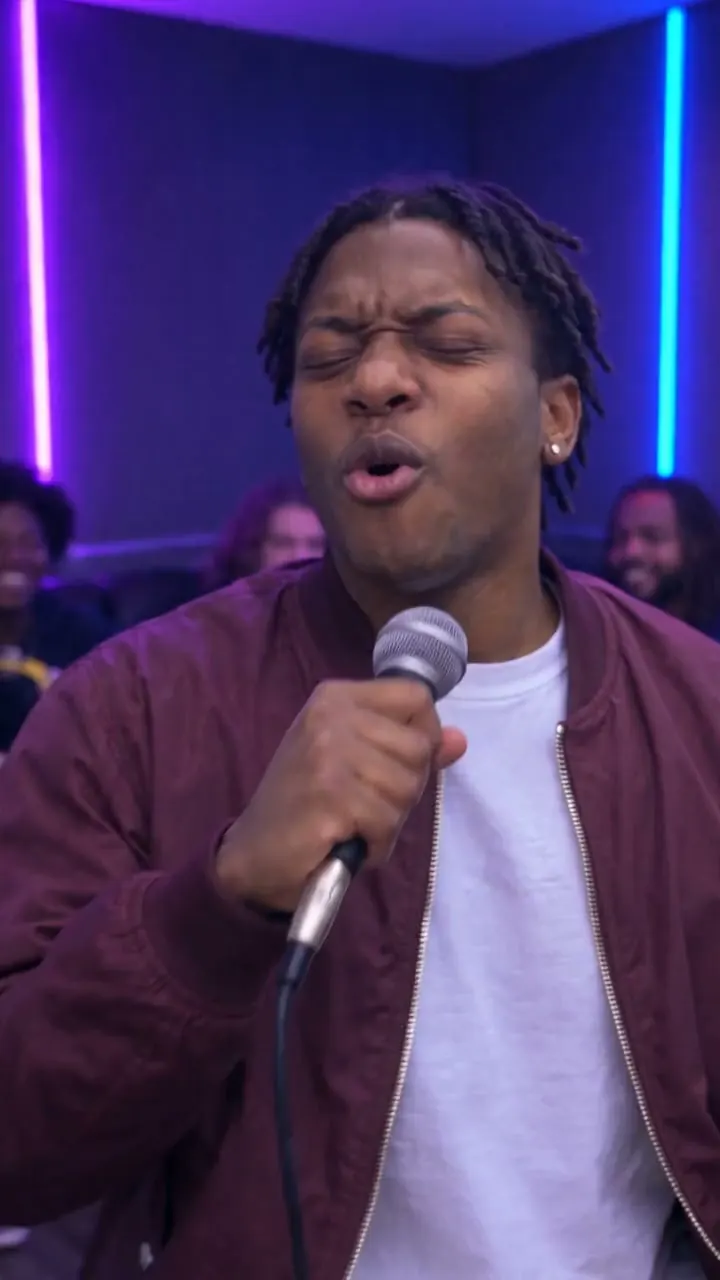
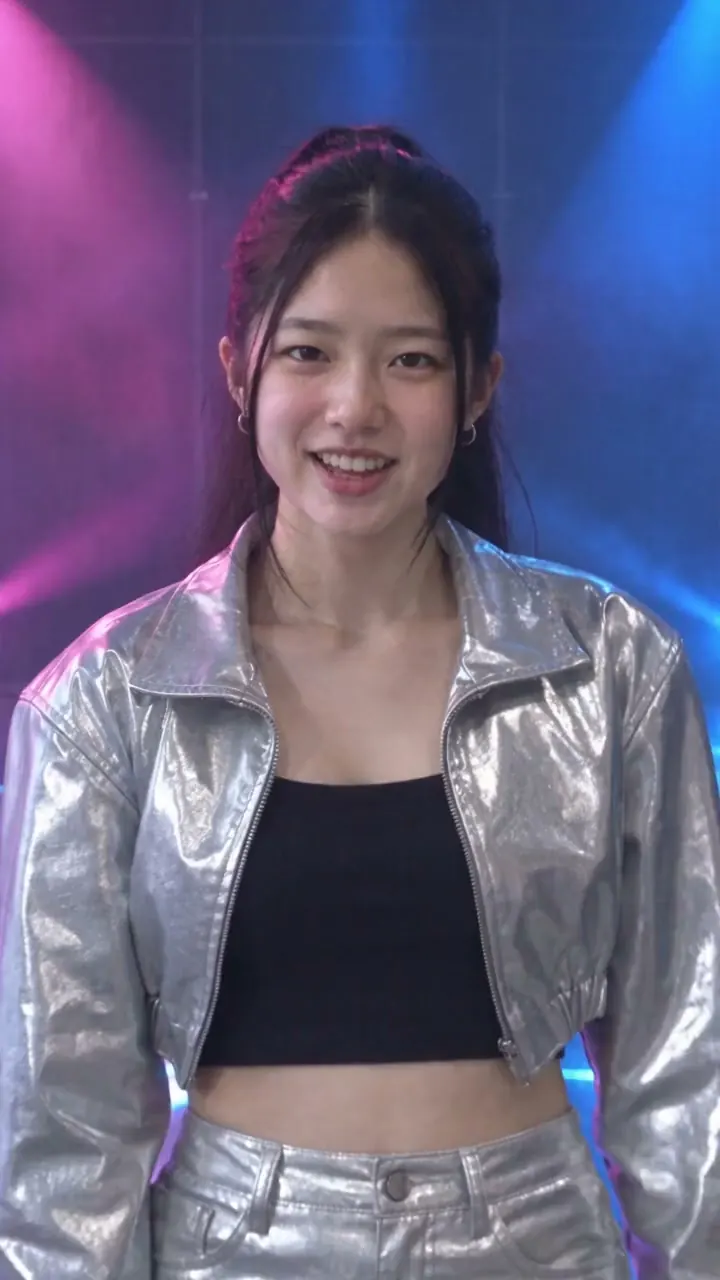
Karaoke room, cinematic love song, K-pop concept, anime… each template sets the scene and the shots.
Add one photo
The person in it becomes the singer. Use a photo of yourself, or of someone who’s said yes.
Add a song
Upload a song you made or have permission to use, or let myumi prepare one. The photo starts singing.
How it differs from a singing-photo app
A music video, not a moving headshot
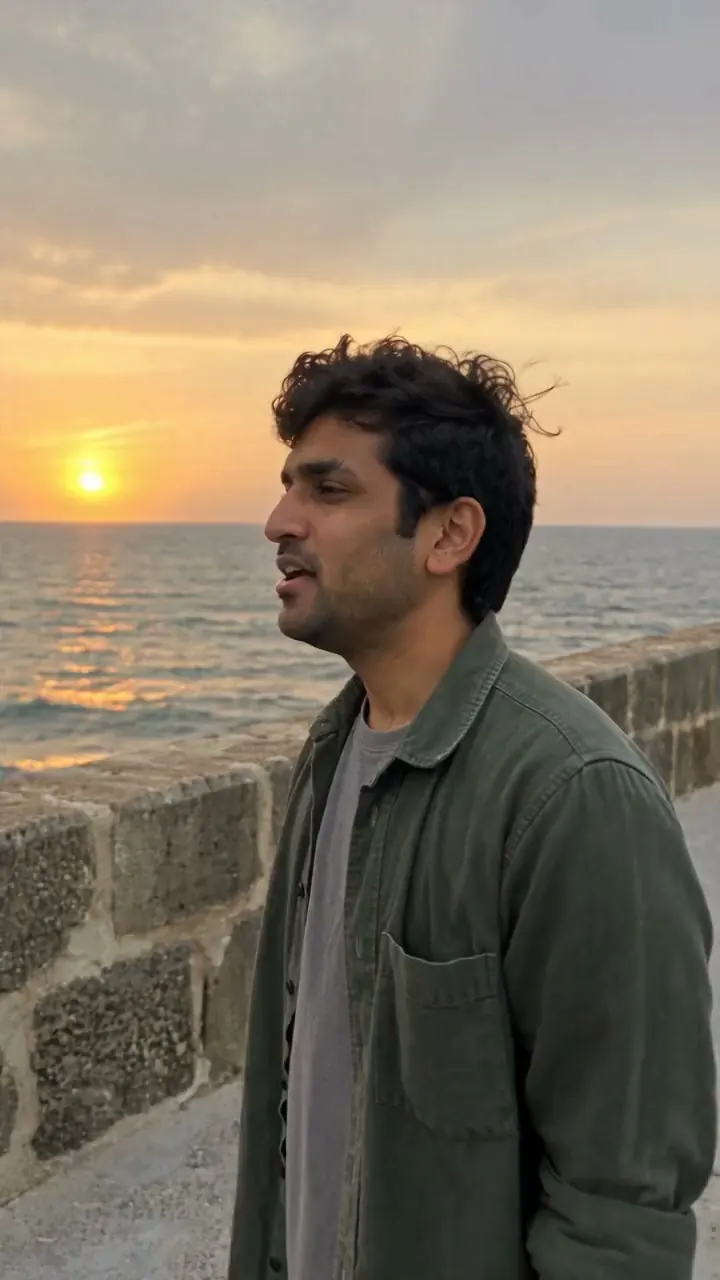
The template decides the setting, the lighting and the camera, so the result looks like a scene from an MV.
Lips that follow the words
In English, Japanese, Mandarin, Cantonese and Taiwanese Hokkien. The person sings in the song’s own language.
Clear rules on whose photo you can use
Only a photo of yourself, or of people who’ve agreed. No celebrities, and minors need a parent’s or guardian’s consent.
Photos singing in different MVs
Make a photo sing: FAQ
Pick your photo now. We’ll tell you first when we launch.
Just your email for now. You’ll be the first to know at launch.